


 Powered by Google Gemini + Search
Nano Banana 2 AI Image Generator
Create AI images enhanced by real-time web data. Nano Banana 2 leverages Google Search integration, supports 15 aspect ratios including extreme formats, and accepts up to 14 reference images for precise multi-image editing.
Model names and logos are trademarks of their respective owners. Nana Banana is an independent product and is not affiliated with, endorsed by, or sponsored by any model provider.
Nano Banana 2 Showcase
Explore images created with Nano Banana 2 — featuring extreme aspect ratios, web-enhanced accuracy, and multi-reference editing.
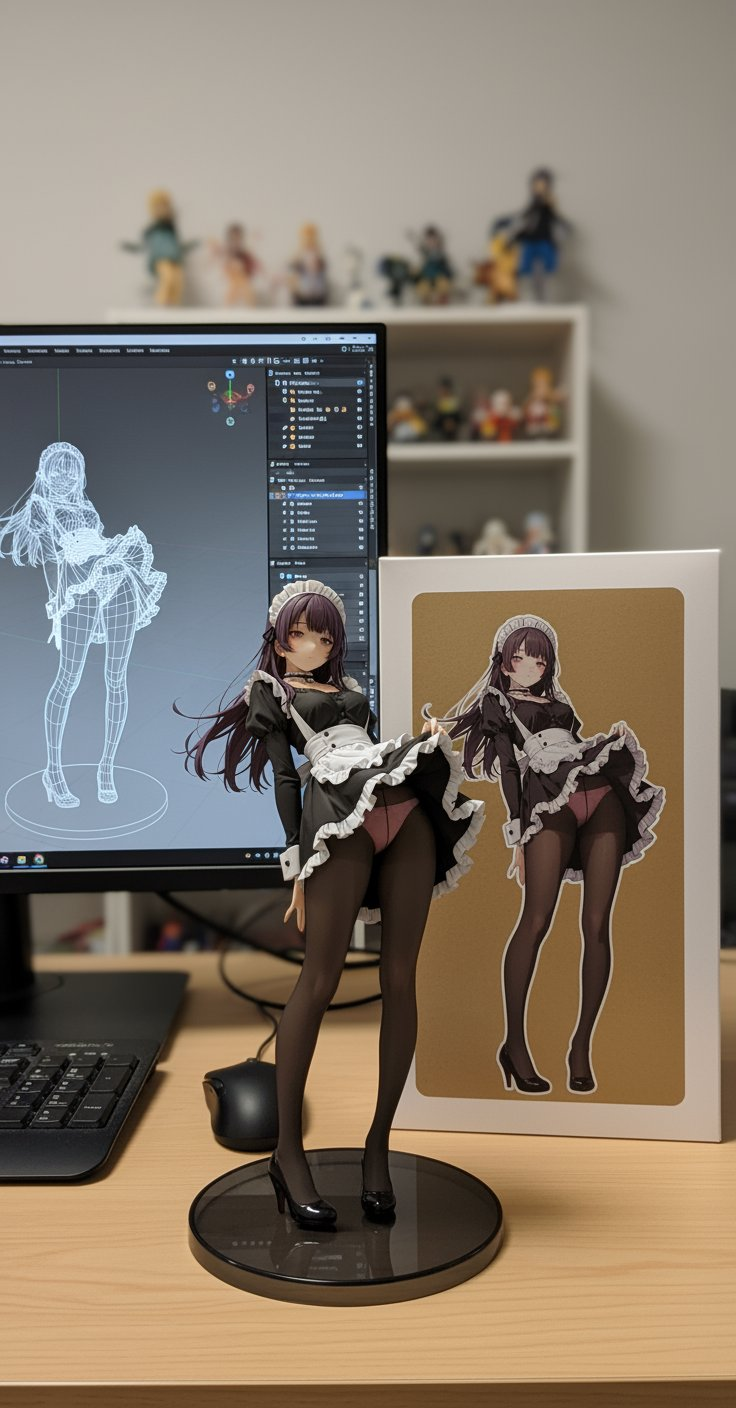
A photorealistic 3D anime figurine of a maid character standing next to a computer monitor showing i...
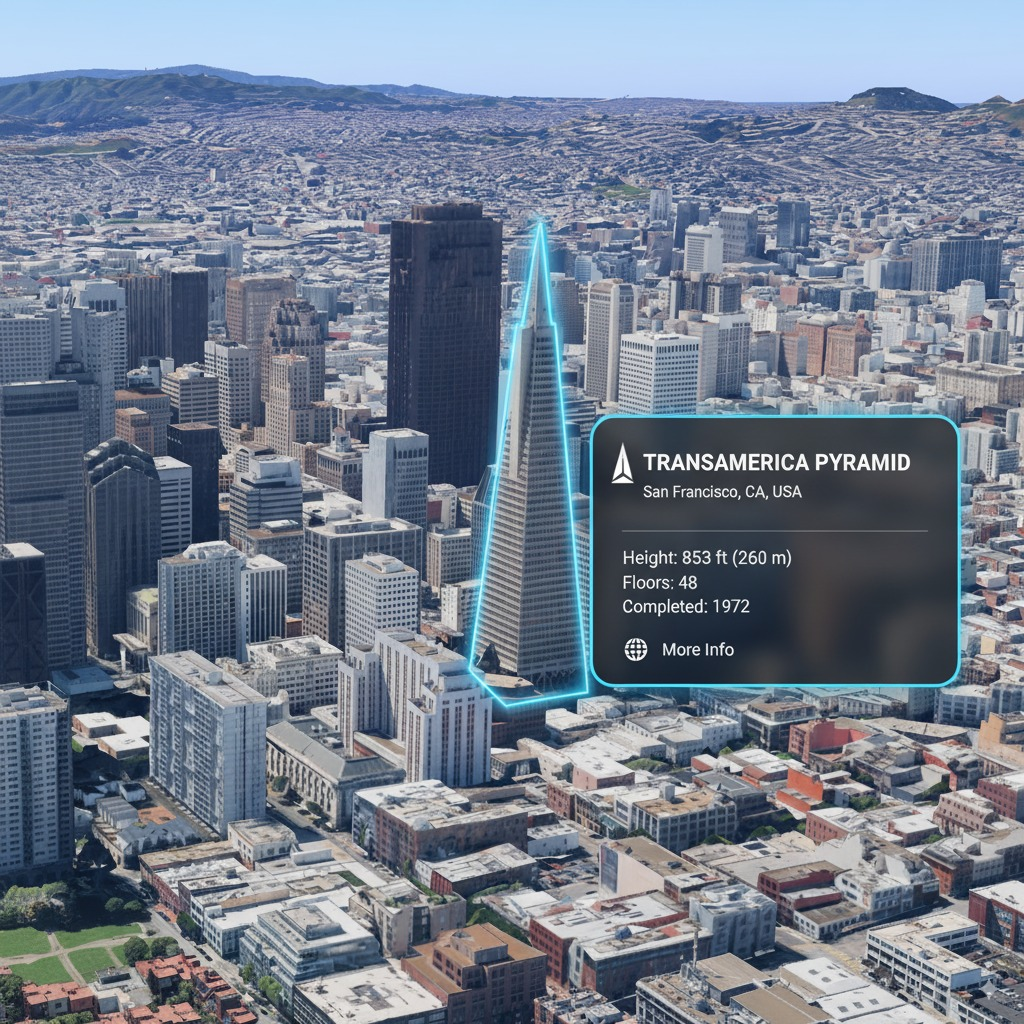
Aerial view of San Francisco skyline with AR-style information overlay on the Transamerica Pyramid b...
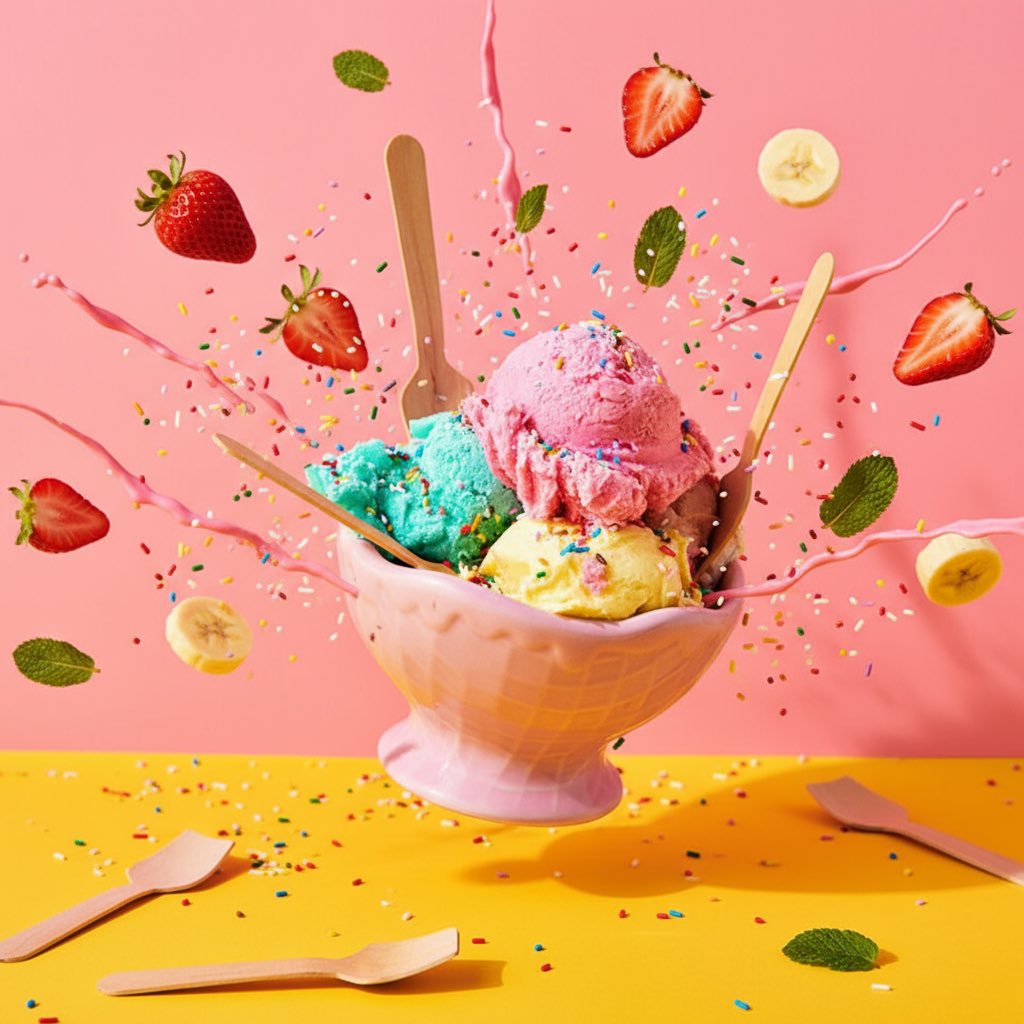
Explosive ice cream sundae with scoops of pink, mint and vanilla flying out of a pastel pink bowl, s...
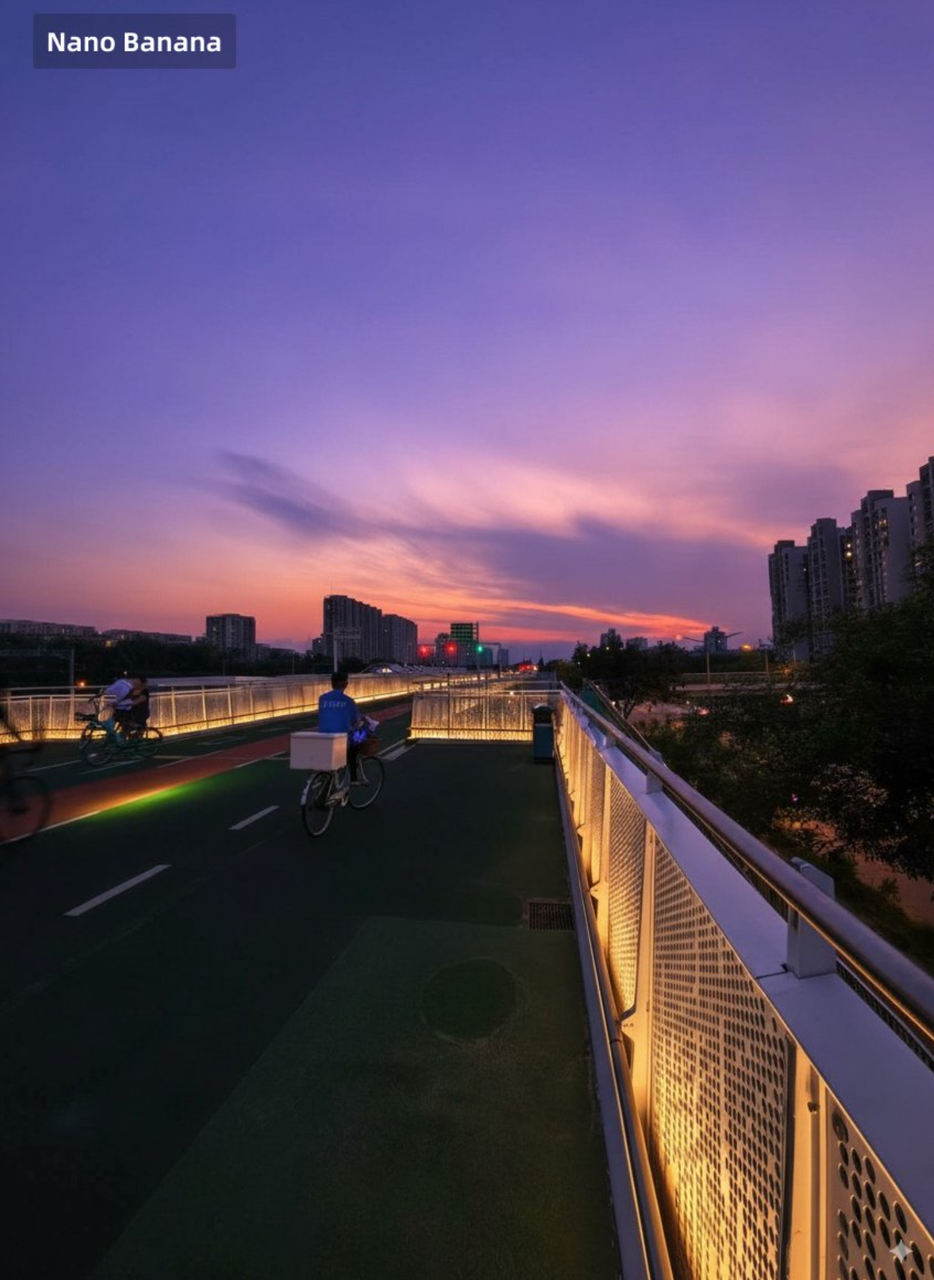
Beautiful sunset over a modern pedestrian bridge in an Asian city, vibrant purple and orange sky, wa...
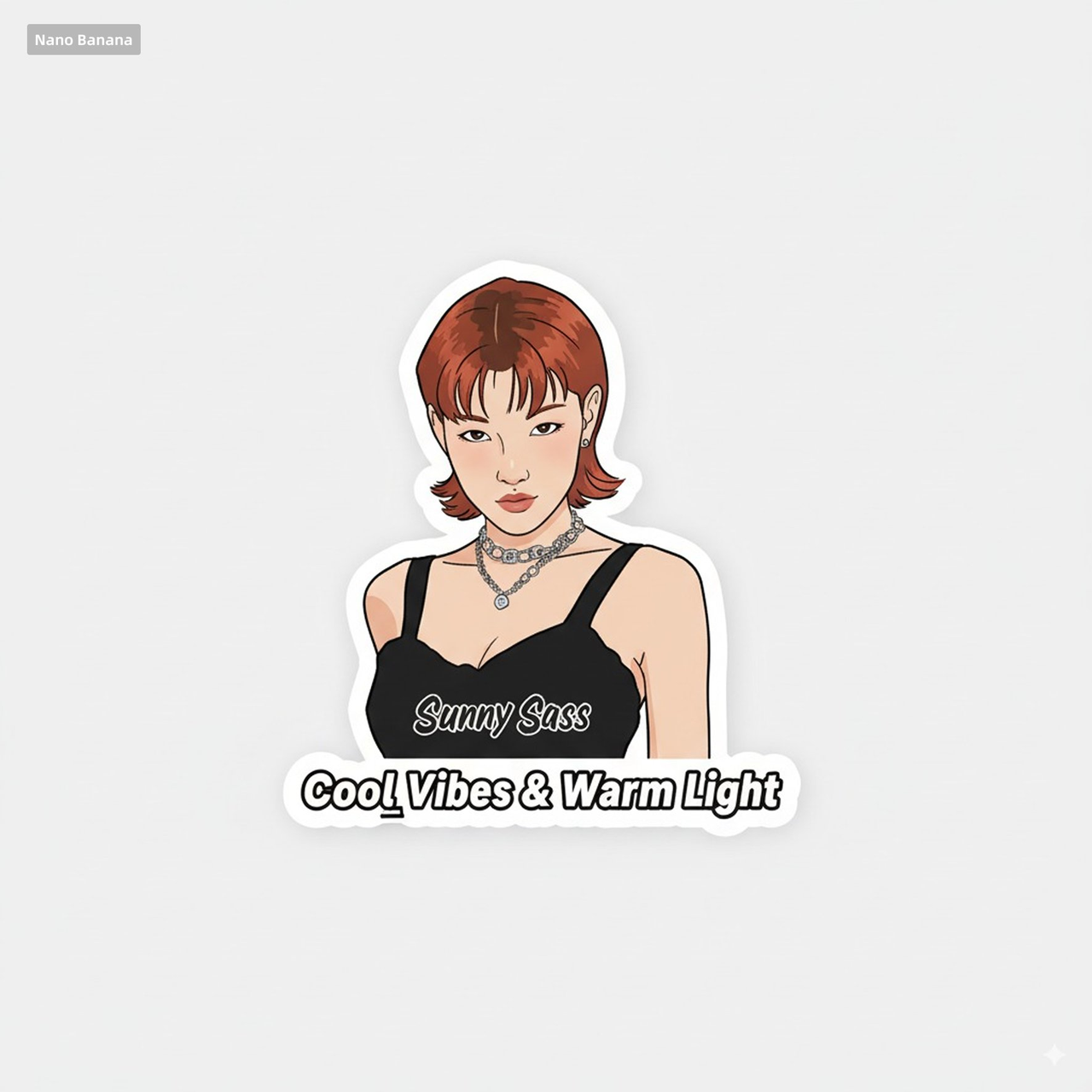
Cool anime girl sticker design with short red hair, black tank top, silver necklace, text 'Sunny Sas...
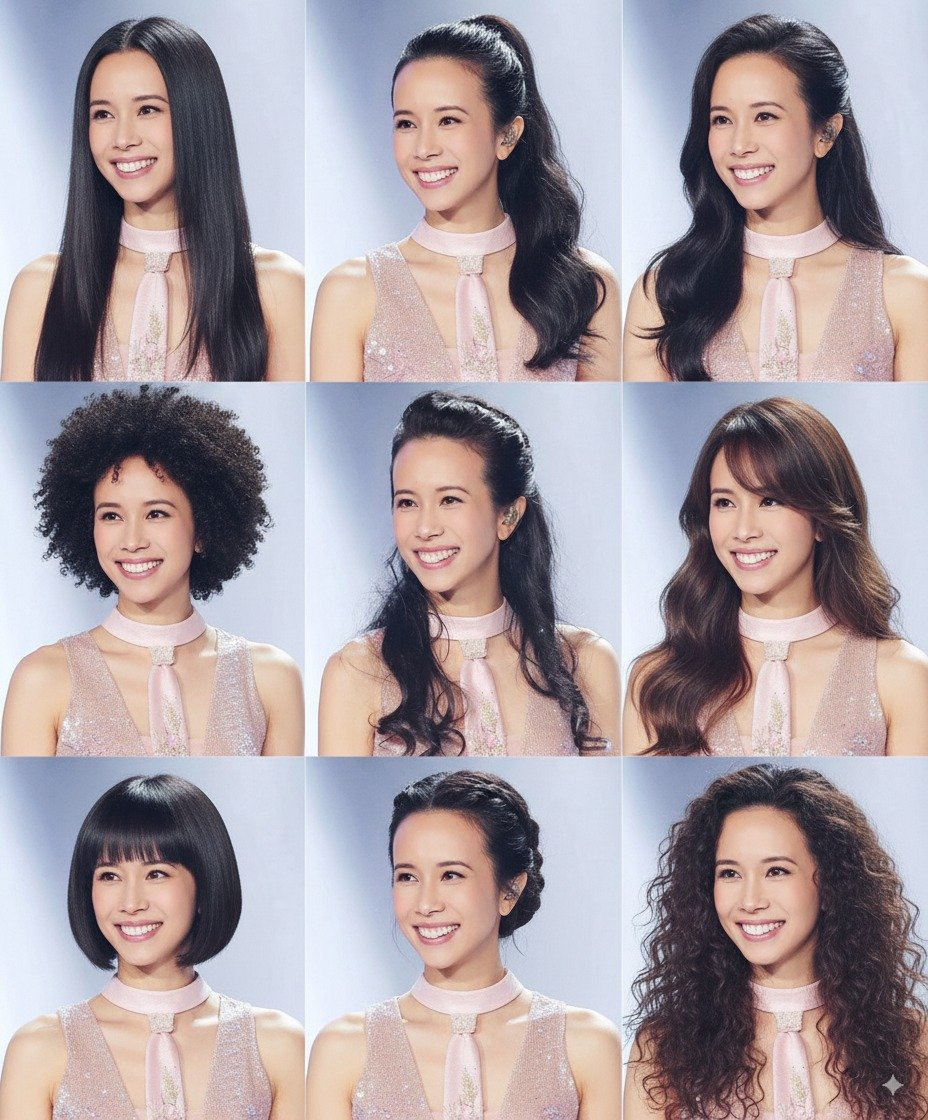
Nine different hairstyle variations of the same woman in a 3x3 grid, from long straight to short bob...
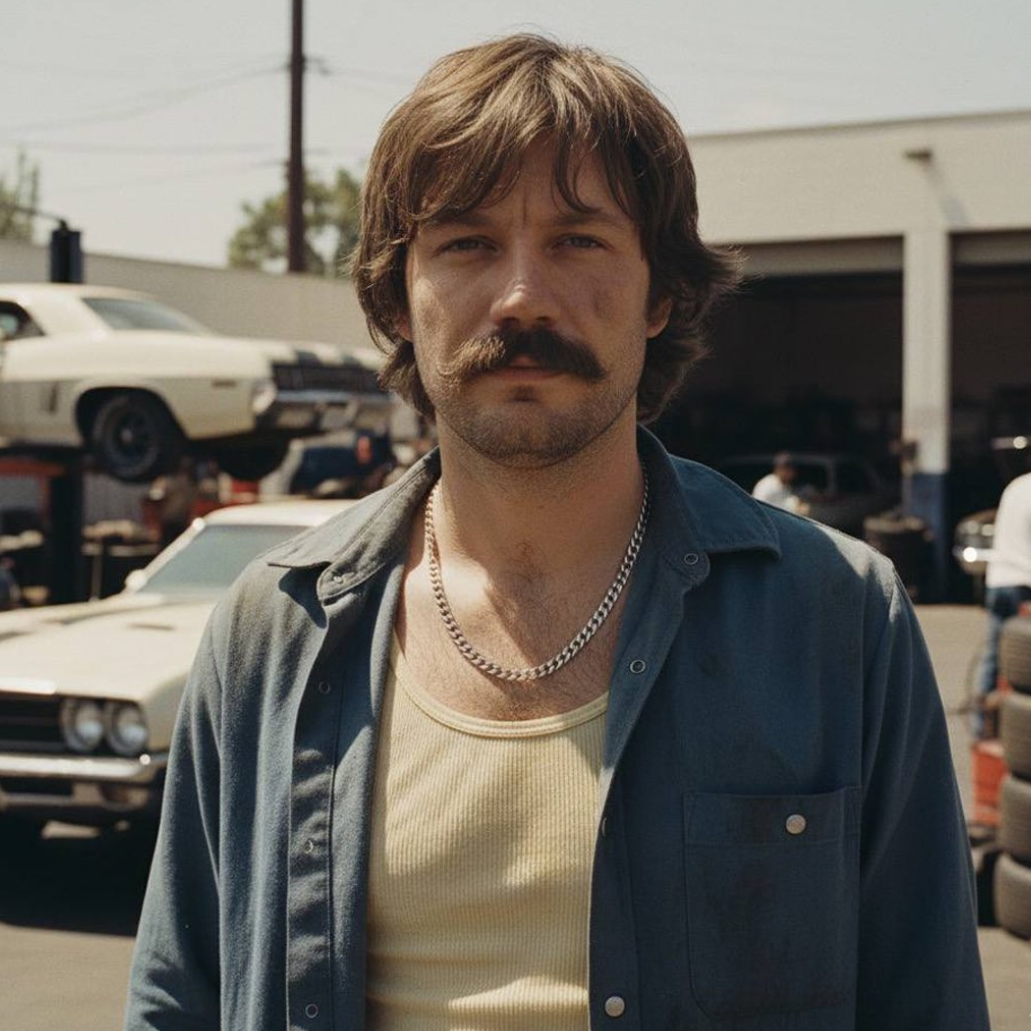
1970s style portrait of a man with shaggy hair and mustache, wearing an open blue shirt with chain n...
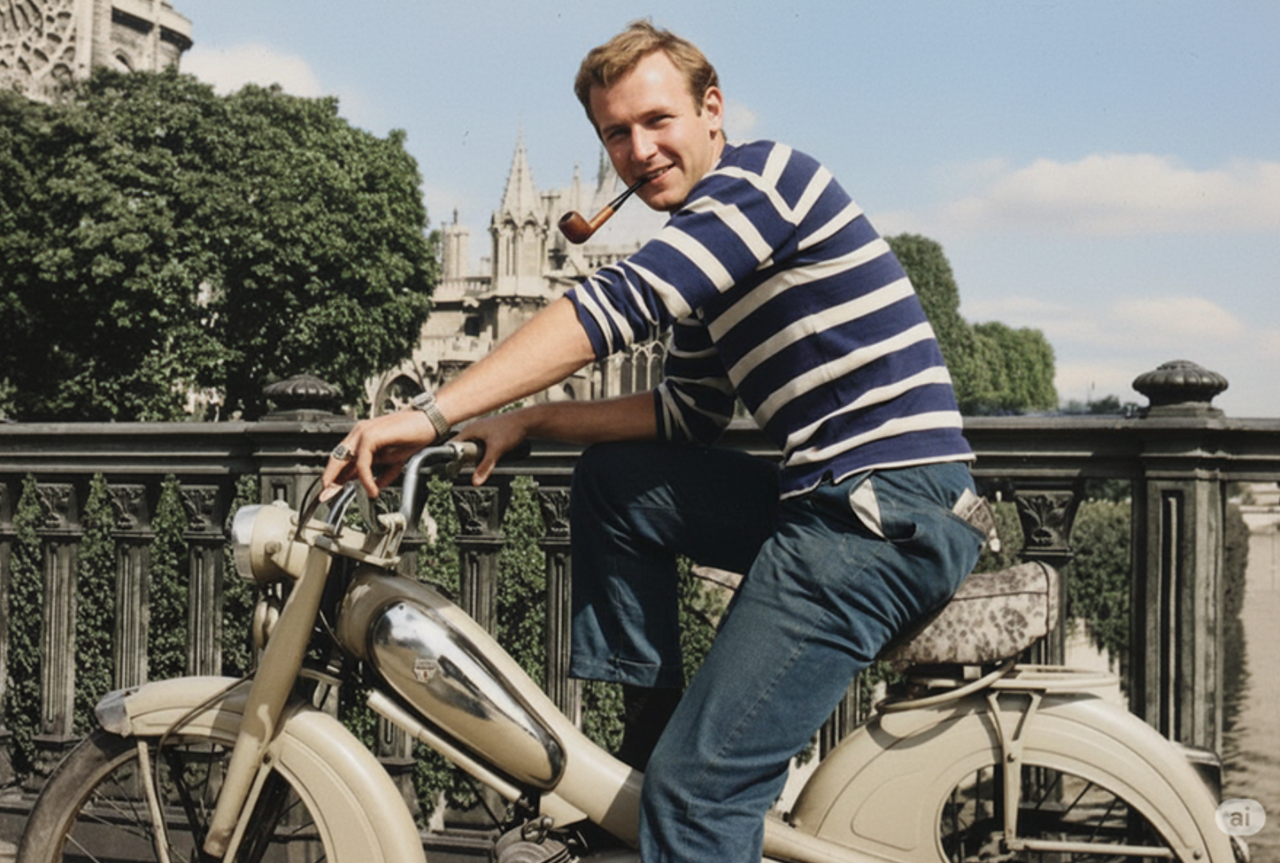
Young man on a vintage motorcycle in front of Notre-Dame de Paris, wearing blue striped shirt, smoki...
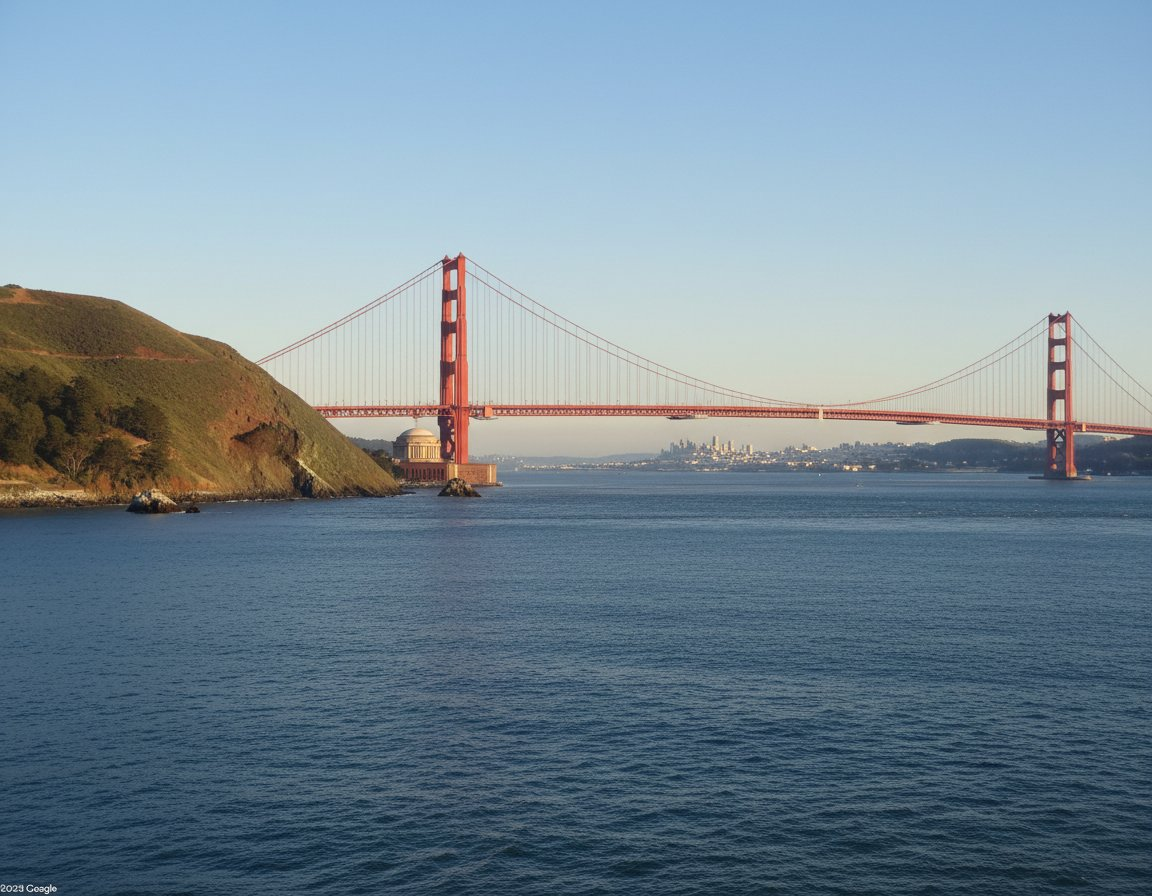
Golden Gate Bridge panoramic view from Marin Headlands, clear blue sky, green hillside in foreground...
Why Nano Banana 2
The only AI image generator that combines Google Search integration, extreme aspect ratios, and multi-reference editing in one model. Built on Google Gemini for unmatched versatility.
Google Search Integration
Generate images informed by real-time web data. Nano Banana 2 taps into Google Search to understand current trends, real-world references, and up-to-date visual context for more accurate and relevant results.
15 Aspect Ratios Including Extreme Formats
Choose from 15 aspect ratios including extreme formats like 1:4, 1:8, 4:1, and 8:1. Create ultra-wide banners, tall mobile stories, panoramic landscapes, and vertical signage with a single model.
Multi-Image Editing with Up to 14 References
Upload up to 14 reference images simultaneously. Combine elements from multiple sources, maintain visual consistency across a series, or blend styles from several references into one cohesive output.
4K Ultra-HD Resolution
Generate images at up to 4K resolution with exceptional detail. Nano Banana 2 takes extra processing time to ensure every pixel is refined, delivering output ready for large-format displays and print.
Multilingual Text Rendering
Embed clear, readable text in your generated images across multiple languages. Ideal for creating localized marketing materials, multilingual infographics, and text-heavy visual content.
Commercial-Ready Output
Every image generated with Nano Banana 2 is yours for personal and commercial use. Build marketing campaigns, product visuals, and client deliverables with full usage rights and confidence.
Create Web-Enhanced AI Images in 3 Steps
Harness Google Search data and multiple reference images. Describe your vision, let Nano Banana 2 research and render, then download in any format.
Describe Your Vision
Type a description and optionally upload up to 14 reference images. Enable Google Search to let the AI research real-world context for your prompt.
AI Researches & Generates
Nano Banana 2 processes your prompt with web-enhanced understanding. Generation takes approximately 4 minutes for maximum detail and accuracy.
Download & Use Anywhere
Preview your web-enhanced AI images, download in up to 4K resolution across 15 aspect ratios, and use them for any personal or commercial project.
What You Can Create with Nano Banana 2
From ultra-wide digital banners to vertical mobile stories, Nano Banana 2's extreme aspect ratios, multi-reference editing, and web-enhanced generation open up possibilities no other model offers.
Web Banners & Digital Signage
Create ultra-wide banners and digital signage with extreme aspect ratios like 8:1 and 4:1, perfectly sized for website headers, billboard displays, and panoramic screens.
- Ultra-wide website hero banners at 8:1 or 4:1 aspect ratio
- Digital billboard and signage content in panoramic format
- YouTube channel banners and social media cover images
Social Media Stories & Vertical Content
Generate tall vertical content with extreme ratios like 1:4 and 1:8, optimized for Instagram Stories, TikTok, Pinterest pins, and mobile-first experiences.
- Instagram and TikTok story backgrounds at 1:4 or 1:8
- Pinterest pins and tall infographics for maximum engagement
- Mobile app splash screens and vertical ad creatives
Multi-Reference Creative Projects
Upload up to 14 reference images to guide complex creative projects. Maintain character consistency, blend multiple styles, or composite scenes from various sources.
- Character consistency across illustration series using multiple references
- Style blending from several artists or visual references
- Product placement composites with multiple product and scene references
Trend-Accurate & Real-World Imagery
Leverage Google Search integration to generate images grounded in real-world data, current trends, and accurate visual references that stay up to date.
- Event-themed visuals based on current cultural trends
- Accurate depictions of real-world locations and landmarks
- Seasonal and trend-responsive marketing visuals
Nano Banana 2 Prompt Writing Guide
Master prompt writing for Nano Banana 2's unique capabilities — web-enhanced generation, extreme aspect ratios, and multi-reference editing. Follow these tips to get the most out of every generation.
Nano Banana 2 special: Enable Google Search for real-world accuracy, specify extreme aspect ratios (1:4 to 8:1), and upload up to 14 reference images
Define Your Subject
Clearly describe the main content of your image. Nano Banana 2 can research real-world subjects via Google Search for accurate representation.
- •Name specific real-world places, landmarks, or objects for web-enhanced accuracy
- •Describe complex multi-subject scenes — Nano Banana 2 handles them well with its research capability
- •Reference current trends or events — Google Search integration keeps generation up to date
- •For multi-reference editing, describe how elements from each reference should combine
Example
"The Sydney Opera House at sunset with harbor bridge in the background, researched via Google Search for architectural accuracy, photorealistic"
Choose Your Style
Specify the artistic style or visual treatment. Nano Banana 2 can reference real artists and movements via web search.
- •Reference specific art movements or contemporary artists for accurate style matching
- •Combine styles: 'watercolor texture with digital art precision'
- •For multi-reference projects, specify which reference provides the style
- •Use photography terms for realistic outputs: DSLR, film grain, bokeh
Example
"Studio Ghibli inspired watercolor style, soft pastel colors, hand-painted texture, dreamy atmosphere with detailed environmental storytelling"
Set the Scene & Aspect Ratio
Define the environment and specify your desired aspect ratio. Nano Banana 2 supports 15 ratios including extreme formats.
- •Always specify your aspect ratio for extreme formats: '8:1 ultra-wide', '1:4 tall vertical'
- •Match aspect ratio to your use case: 8:1 for banners, 1:8 for stories, 1:1 for social posts
- •Describe how subjects should fill the extreme format — panoramic spread vs centered
- •For ultra-wide formats, describe left-to-right scene progression
Example
"8:1 ultra-wide panoramic format, vast Sahara desert with sand dunes stretching from left to right, a lone traveler silhouette in the center third, golden hour lighting across the entire frame"
Add Rich Details
Include specific details to guide generation. The more detail you provide, the better Nano Banana 2 can leverage web data and references.
- •Mention specific textures, materials, and surface qualities
- •Include text to render in images — specify language and placement
- •For multi-image editing, describe how to blend elements from different references
- •Request '4K resolution' or 'ultra-HD detail' for maximum output quality
Example
"Intricate ceramic vase with hand-painted blue and white Chinese motifs, placed on a rustic wooden table, soft window light, 4K ultra-HD detail, visible brush strokes and glaze texture"
Control Lighting & Mood
Lighting dramatically affects the final image. Combine with Google Search data for accurate time-of-day and location-specific lighting.
- •Specify time of day for accurate real-world lighting: 'golden hour in Paris'
- •Use cinematic lighting terms: rim light, chiaroscuro, volumetric fog
- •For wide panoramic formats, describe how light changes across the scene
- •Combine natural and artificial light sources for complex moods
Example
"Dramatic golden hour lighting with long shadows stretching across the scene, warm amber tones in the sky, cool blue shadows in the foreground, volumetric light rays through morning mist"
Technical Specifications
Nano Banana 2 excels at precise technical control. Specify resolution, format, and multi-reference parameters for optimal results.
- •Always specify aspect ratio for non-standard formats: '4:1', '1:8', '8:1'
- •Request '4K resolution' for maximum detail in large-format outputs
- •Enable Google Search in the UI for real-world accuracy
- •When using multiple references, number them: 'Reference 1 provides style, Reference 2 provides composition'
Example
"4:1 ultra-wide banner format, 4K resolution, Reference 1 provides the color palette, Reference 2 provides the architectural style, Google Search enabled for accurate landmark details"
Nano Banana 2 vs Midjourney v7 vs DALL-E 3 vs Stable Diffusion 3.5
Side-by-side feature comparison of leading AI image models so you can pick the right tool for your project.
| Feature | Nano Banana 2 | Midjourney v7 | DALL-E 3 | Stable Diffusion 3.5 |
|---|---|---|---|---|
| Live web search integration | ✓ via Gemini | ✗ | ✗ | ✗ |
| Maximum reference images per prompt | 14 | 4 (cref/sref) | 1 | 1 (img2img) |
| Aspect ratio options | 15 incl. extreme | 13 standard | 3 (square/portrait/landscape) | Flexible (any size) |
| Maximum output resolution | 4K HD | ~2048×2048 | 1024×1024 / 1792×1024 | Up to 2 MP |
| Multilingual text rendering | ✓ 12 languages | ✓ improved in v7 | ✓ English-strong | Limited |
| Real-time fact accuracy (brand colors / refs) | ✓ via Search | ✗ | ✗ | ✗ |
| Commercial use included | ✓ on paid plans | ✓ Pro+ | ✓ ChatGPT Plus+ | ✓ Stability AI license |
| Available in | Nana Banana platform | Discord + Web | ChatGPT + API | Open-source + API |
Comparison reflects publicly documented features as of April 2026. Verify each provider's official page for the latest specs.