GPT Image 2 · Texte parfait, à chaque fois
Modèle phare d'OpenAI avec 95% de précision sur le texte multilingue. Générez affiches éditoriales, packaging, infographies et identité de marque — tout en 4K.
Les noms et logos des modèles sont des marques de leurs propriétaires respectifs. Nana Banana est un produit indépendant, sans aucune affiliation, approbation ni parrainage d’un quelconque fournisseur de modèles.
See GPT Image 2 in action
Real outputs — no cherry-picking, no post-editing.
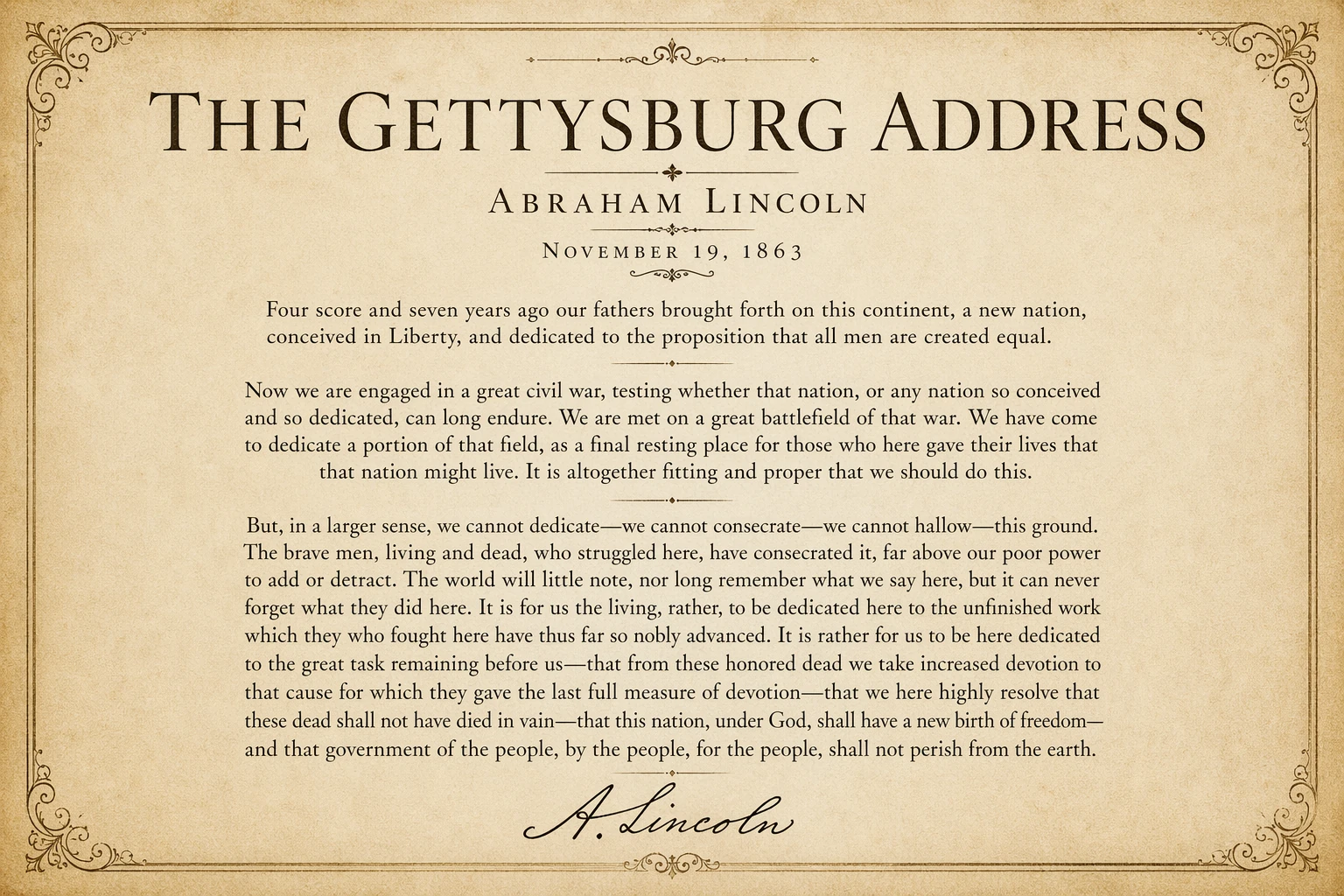
Generate a classical poster featuring the full text of Lincoln's Gettysburg Address on parchment, el...
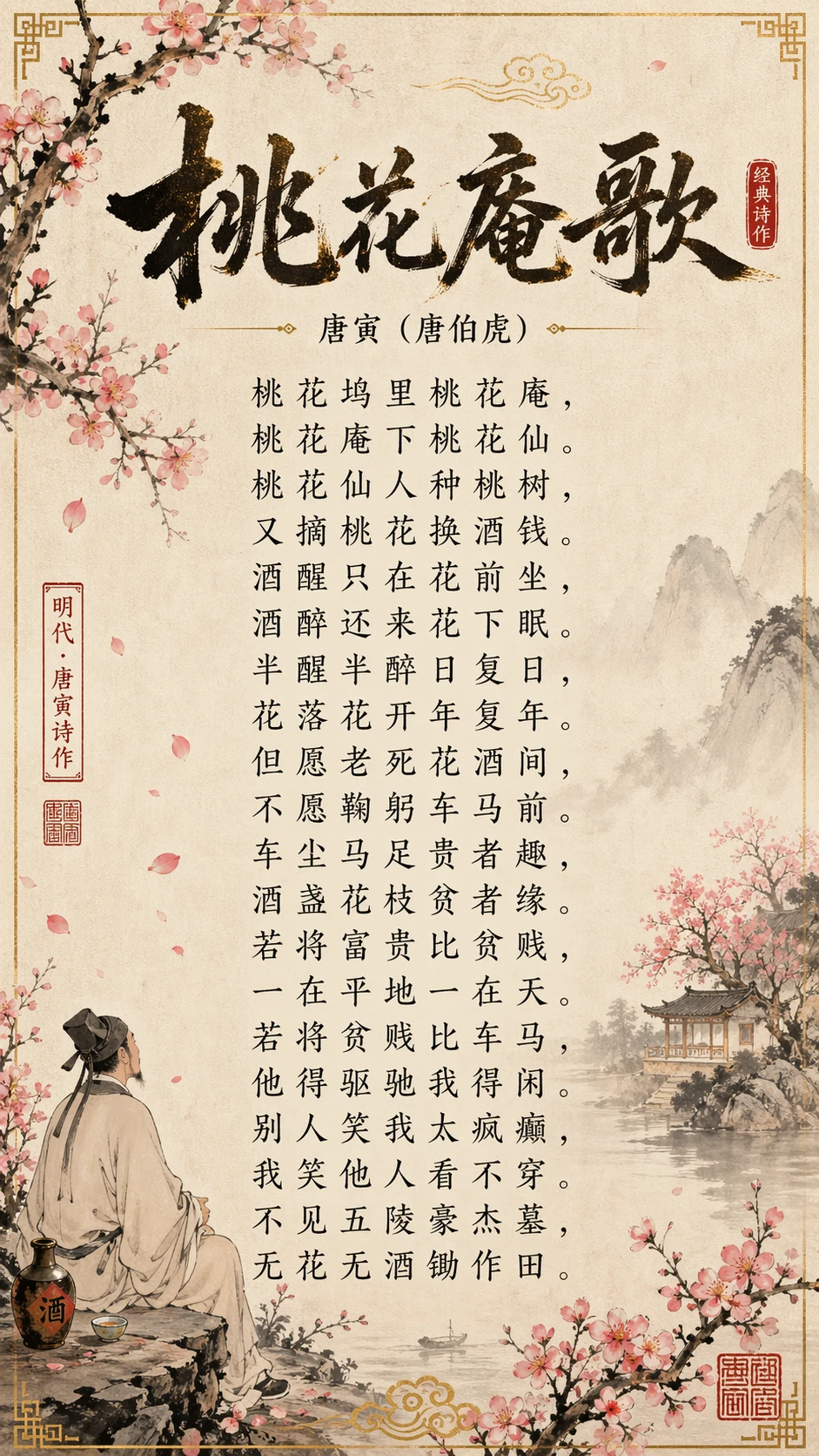
Generate a traditional Chinese poster of a classical Tang-dynasty poem in ink-wash style, vertical c...
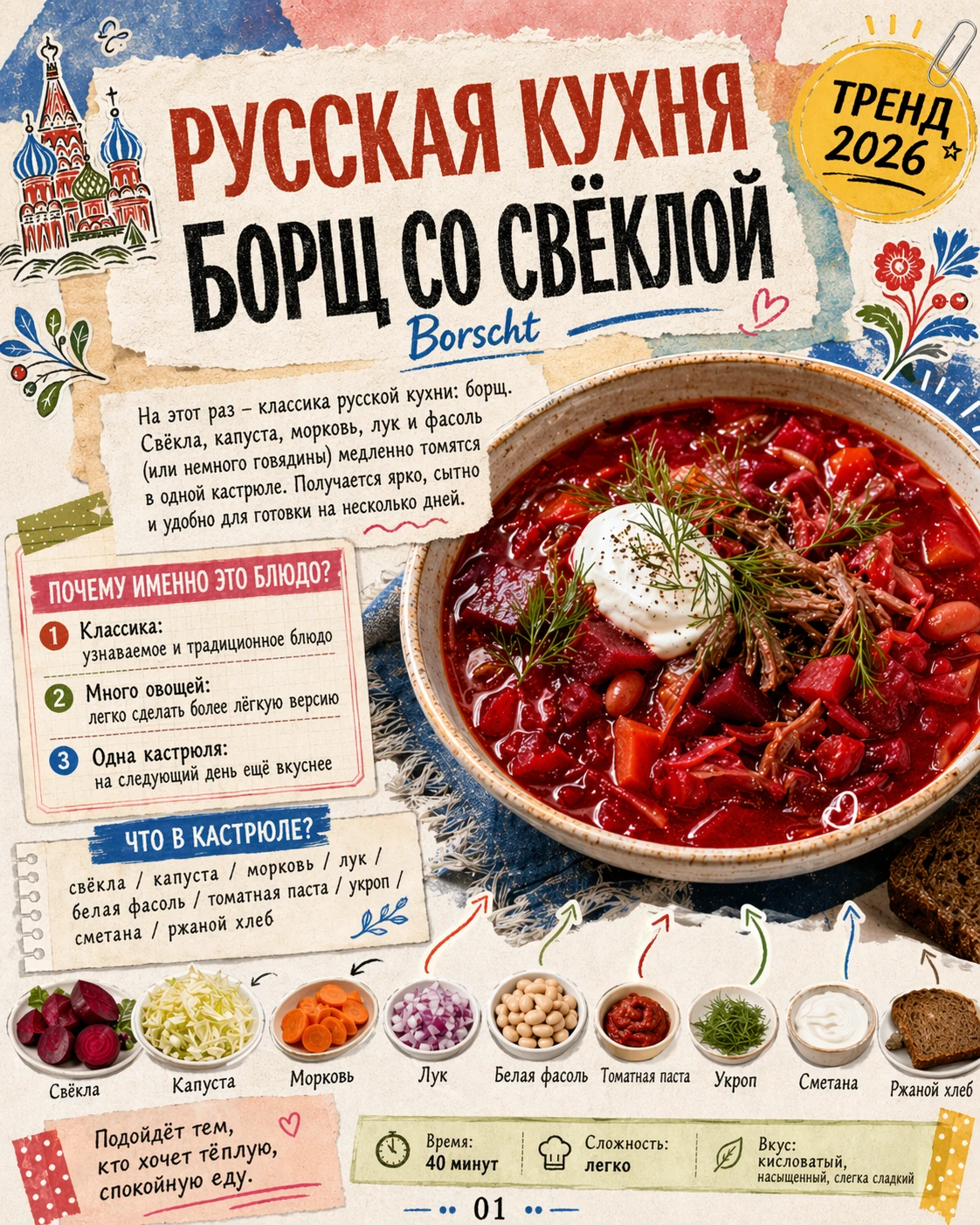
Generate a vintage Russian-language recipe poster for borscht with retro illustrations and Cyrillic ...
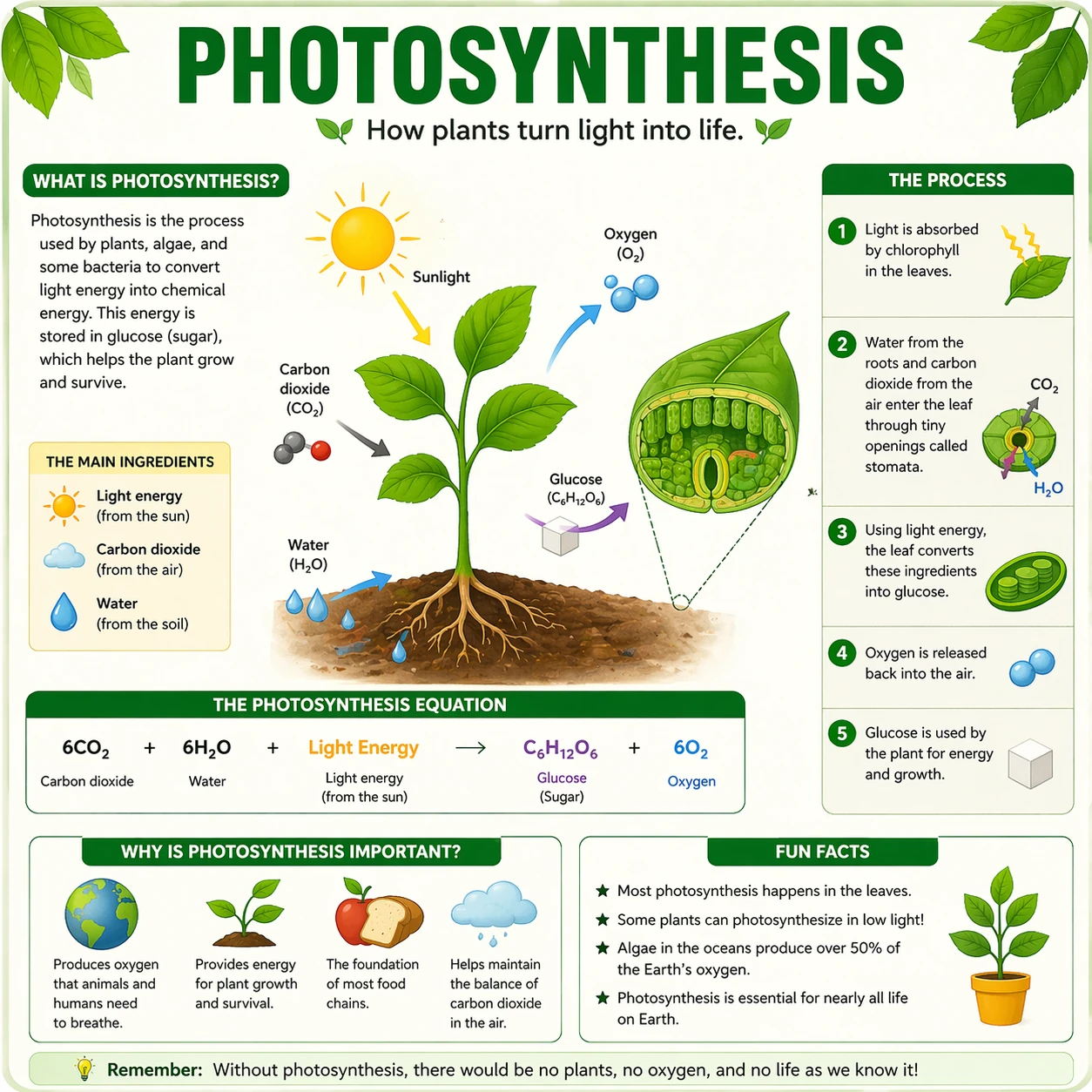
Generate a knowledge card about photosynthesis for students, clean infographic layout with diagrams
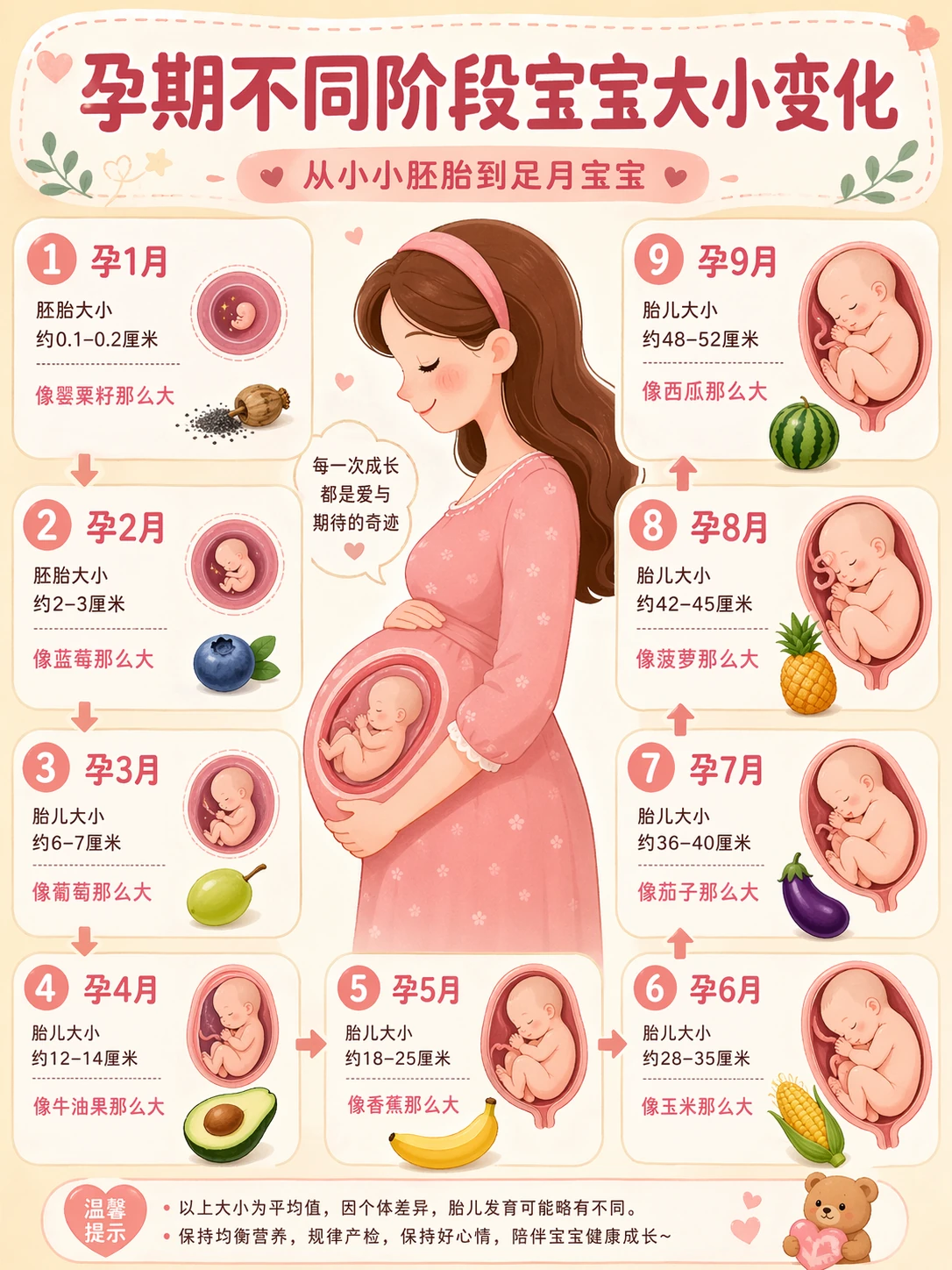
Generate a cute infographic showing baby size changes through pregnancy stages with fruit references
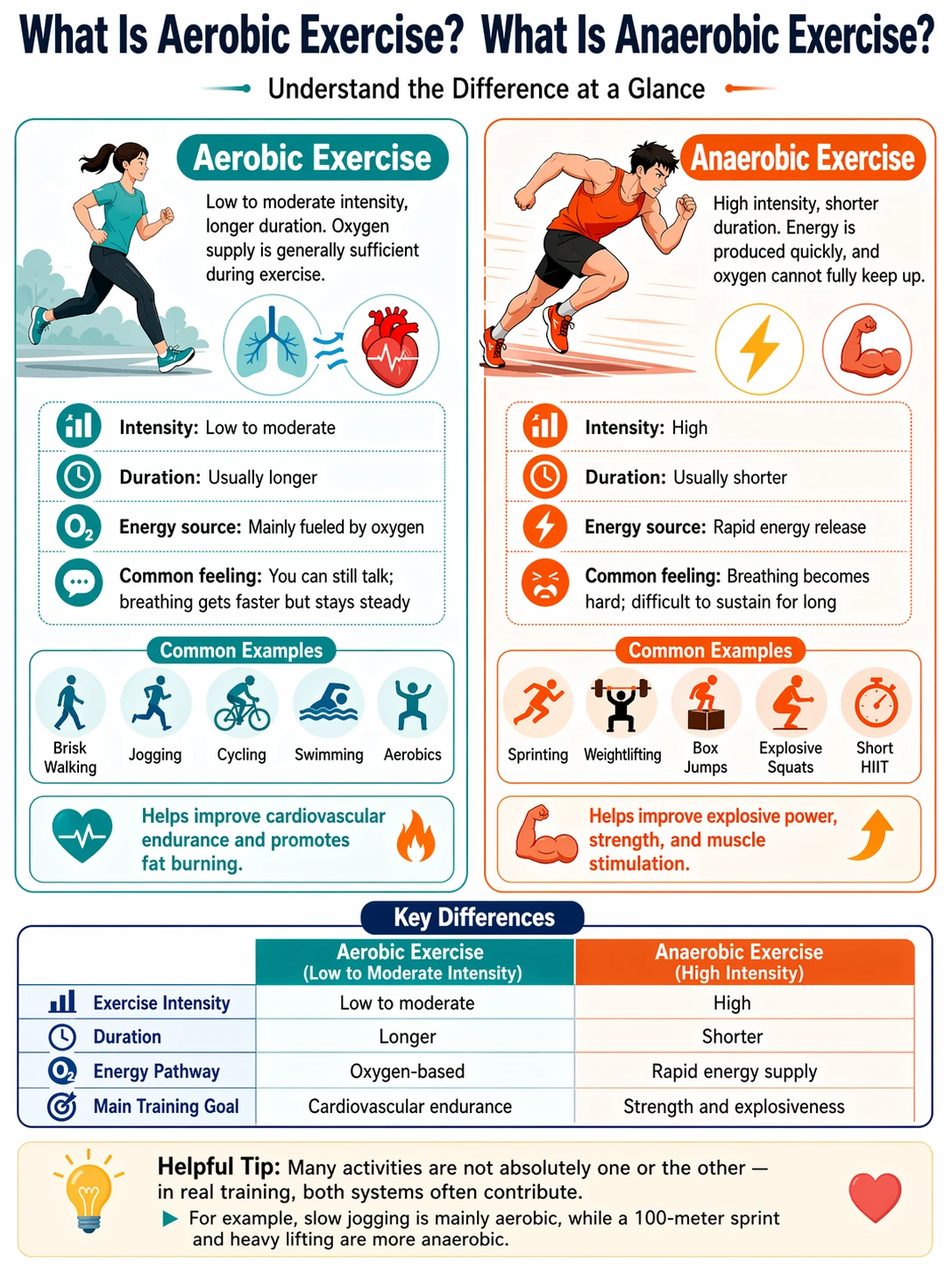
Generate an infographic comparing aerobic vs anaerobic exercise, clean editorial style
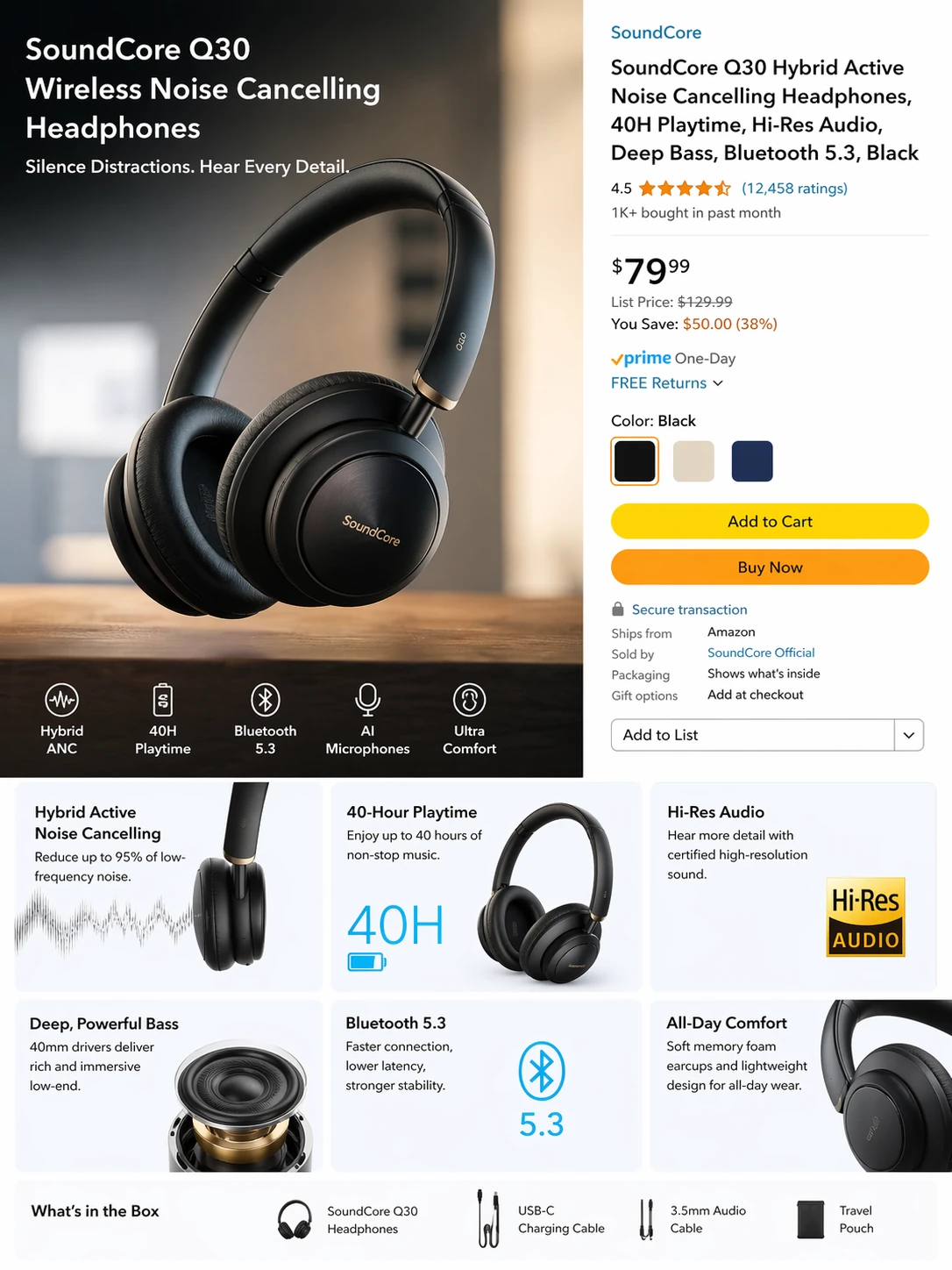
Generate an Amazon product listing page for wireless noise-cancelling earbuds, commercial photograph...
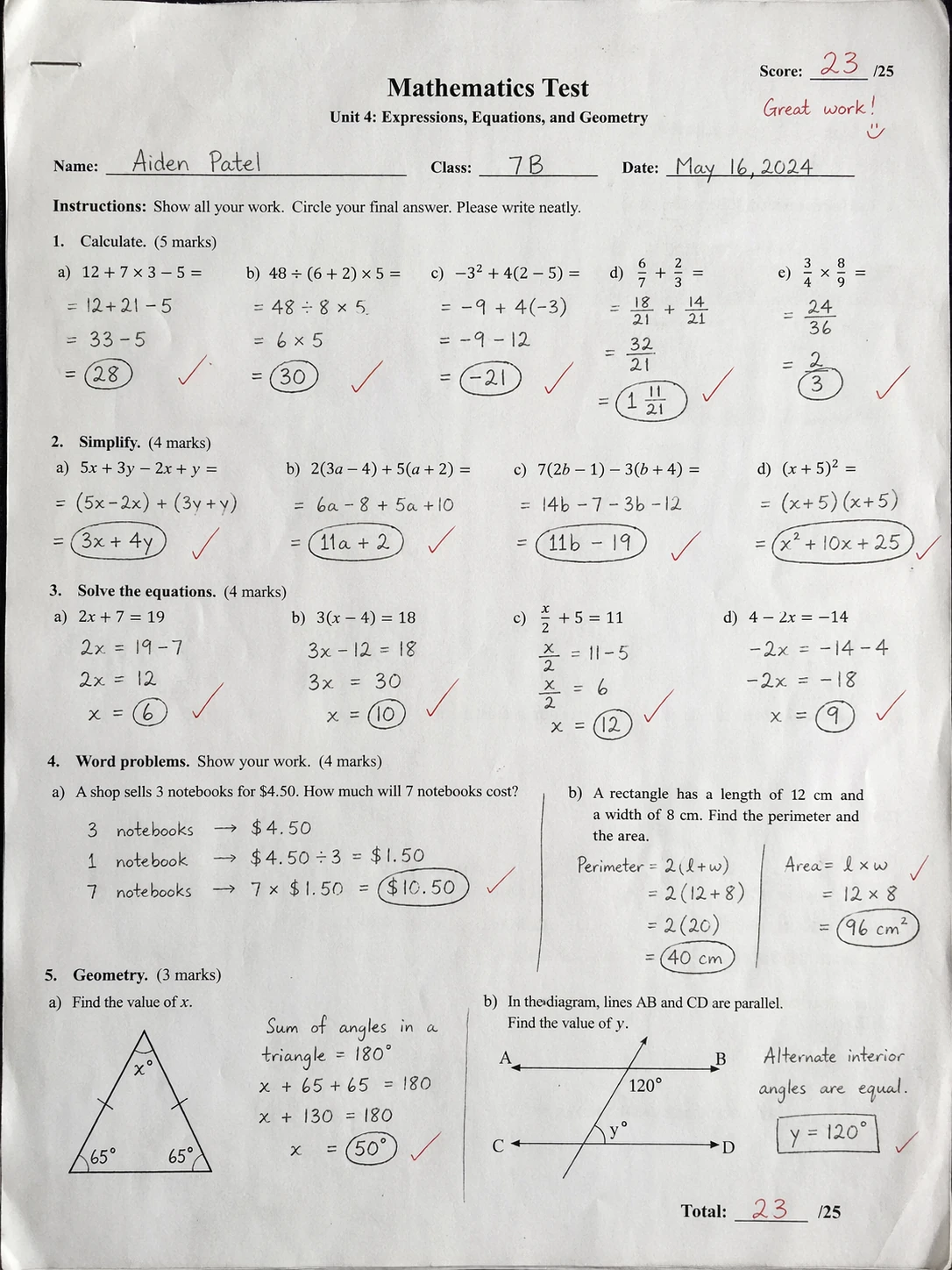
Generate a realistic handwritten math test in scanned-paper style, with teacher's red-pen grading
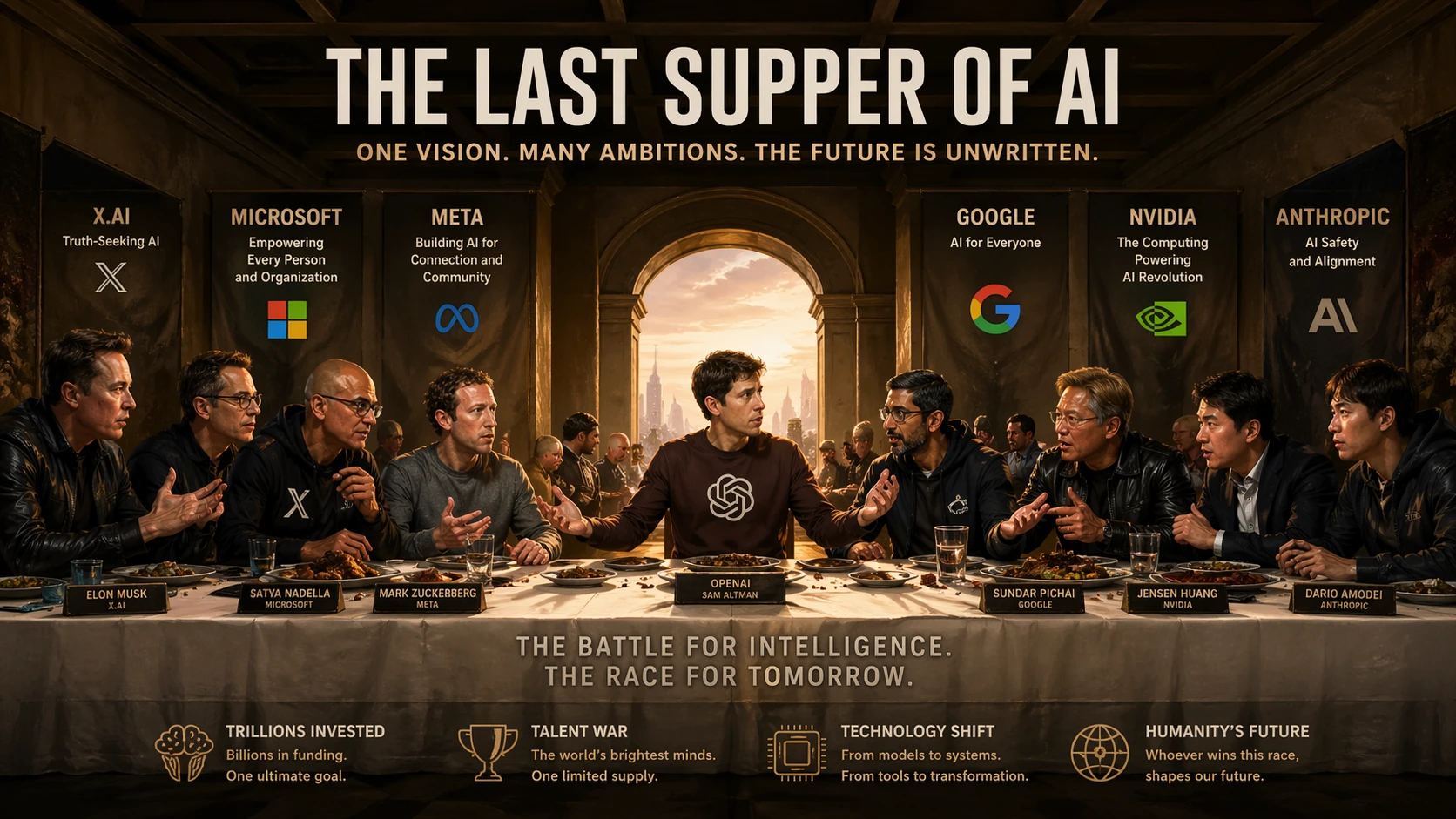
Recreate The Last Supper with AI company CEOs, including OpenAI, Google, Nvidia and their logos
Why GPT Image 2 is different
Built by OpenAI to solve the problems that make AI images unusable in production — blurry text, wrong languages, inconsistent style, awkward compositions.
95% Text Rendering Accuracy
Headlines, menus, labels, UI copy — render crisp, readable text that's ready to ship. No more cleanup in Photoshop.
Multilingual Mastery
English, Chinese, Japanese, Korean, Arabic, Hindi, Bengali and more. Posters designed in one language, localized with a prompt.
Thinking Mode
GPT Image 2 searches the web before it paints. Current product shots, real landmarks, accurate logos — no more outdated guesses.
Flexible Aspect Ratios
From 3:1 super-wide banners to 1:3 mobile posters. Social media, presentations, print — one model fits every canvas.
8-Image Consistency
Storyboards, comic panels, brand series — generate up to 8 images in a single prompt with matching characters and style.
Photo-Realistic Detail
87% of outputs pass as real photography. Skin pores, fabric texture, lens vignetting — the 'AI look' is gone.
From prompt to print-ready in seconds
GPT Image 2 handles the entire workflow — you describe, it thinks, you download.
Describe in any language
Write a natural-language prompt. Use quotation marks around text you want rendered exactly.
AI plans & paints
Thinking mode analyzes your request, searches the web if needed, then composes the layout before rendering.
Download 4K ready
Export commercial-grade images in 4K. No watermark, no cleanup, no restrictions.
GPT Image 2 vs other image models
How does it stack up against the competition? Side-by-side on the four capabilities that matter most for production work.
| Capability | GPT Image 2 | Nano Banana 2 | Flux | Ideogram |
|---|---|---|---|---|
| Text rendering accuracy | 95% | ~80% | ~60% | ~85% |
| Languages supported | 10+ | 10+ | English only | English + 5 |
| Web-search / thinking | Yes | Yes | No | No |
| Max resolution | 4K | 4K | 2K | 2K |
| Aspect ratio range | 3:1 to 1:3 | 1:8 to 8:1 | Limited | Standard |
| Batch consistency | Up to 8 | Up to 4 | No | No |
Benchmarks from Image Arena (text-to-image category, April 2026). GPT Image 2 leads the #1 position with a 242-point margin.
What you can build
GPT Image 2 excels wherever text meets design — the scenarios most painful for other AI models.
Editorial Posters
Magazine covers, film posters, book jackets — headline-driven designs where typography carries the story.
- Precise headline rendering in serif or display fonts
- Multi-line body copy with consistent leading
- Print-ready 4K output
Product Packaging
Labels, boxes, cans — multilingual product packaging in one prompt, localize by tweaking a single line.
- Crisp ingredient lists and barcodes
- Brand name + tagline always accurate
- Global rollout without re-shooting
Infographics & Education
Science diagrams, healthcare explainers, knowledge cards — dense information that stays readable at any size.
- Charts, flowcharts and layered diagrams
- Multi-column layouts with captions
- Ready for classroom or LinkedIn posts
Brand Identity Systems
Complete identity kits — logo, color palette, typography, mockups — generated as a consistent series, not one-offs.
- 8-image consistency across touchpoints
- Accurate logo reproduction on mockups
- Aligned style across every asset
Prompt writing guide for GPT Image 2
GPT Image 2 understands natural language — but a few specific techniques unlock its full power.
Works best with specific, visual-first prompts
Wrap exact text in quotation marks
GPT Image 2 treats quoted strings as literal text to render. Everything outside quotes is interpreted as scene description.
- •Text inside quotation marks is rendered literally
- •Use straight quotes (") for best results
- •Combine multiple quoted strings for multi-line text
Example
"A neon sign reading "OPEN" above a wooden door at dusk"
Spell tricky words letter-by-letter
For unusual names or complex words that might be misread, spell them out with hyphens.
- •Use hyphens to separate letters for unusual words
- •Especially effective for foreign names and rare brands
- •Works alongside quotation marks for double safety
Example
"A book cover titled "E-C-L-I-P-S-E" in gothic serif typography"
Describe constraints explicitly
Tell the model what not to include — extra text, watermarks, logos. Add constraints at the end of the prompt.
- •Append "Constraints:" at the end of your prompt
- •Explicitly forbid extra text, watermarks, logos
- •Use direct negatives — avoid vague phrasing like "try not to"
Example
"Constraints: no extra words, no duplicate text, no watermarks"
Trigger Thinking Mode with time-sensitive details
Use words like 'latest', 'current', 'today's' to cue the model to search before painting.
- •Words like "latest", "current", "today's" trigger web search
- •Best for real products, landmarks, recent events
- •Slower but dramatically higher accuracy
Example
"A poster for today's top-trending album on Spotify, current cover art"
Specify the canvas with aspect ratio
GPT Image 2 supports 3:1 to 1:3 ratios. Name the target format in your prompt for best composition.
- •State "portrait 9:16" / "landscape 16:9" explicitly
- •The model adapts composition to your declared canvas
- •Supports extreme ratios from 3:1 to 1:3
Example
"Vertical 9:16 mobile poster, bold headline filling the top third"
Use visual facts instead of vague praise
Words like 'stunning' or 'epic' don't render. Use concrete details — lighting, material, camera.
- •Replace "stunning", "epic" with concrete visual facts
- •Name specific lighting (overcast daylight, tungsten key)
- •Describe materials and camera (brushed aluminum, 85mm shallow DOF)
Example
"Soft overcast daylight, brushed aluminum texture, 85mm shallow depth of field"